Skip to content
Stillmove

One photo one clip · 3–8 sec

Your product photo, moving.

You already took the shot. Choose how the camera should move across it and get a short clip built for the places that only accept video — without setting anything up again.

No card needed to start. Paid plans are billed in US dollars and renew automatically until you cancel.

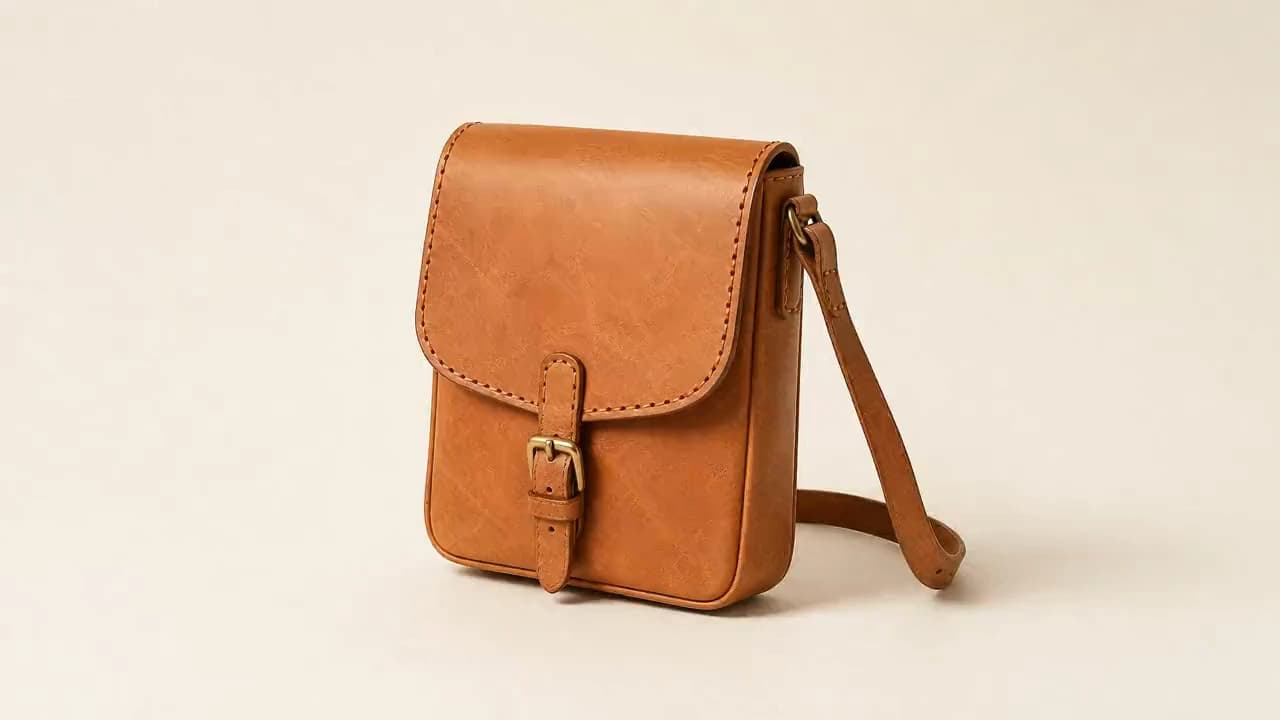
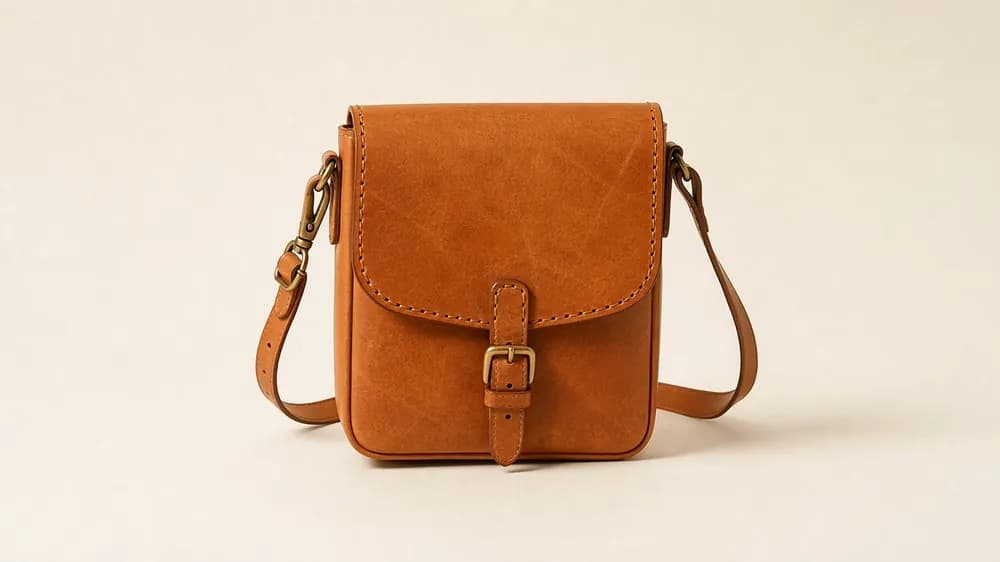
A hand-stitched tan leather crossbody bag on a plain paper backdrop, the camera moving slowly towards the stitching
Push in · 5.6s
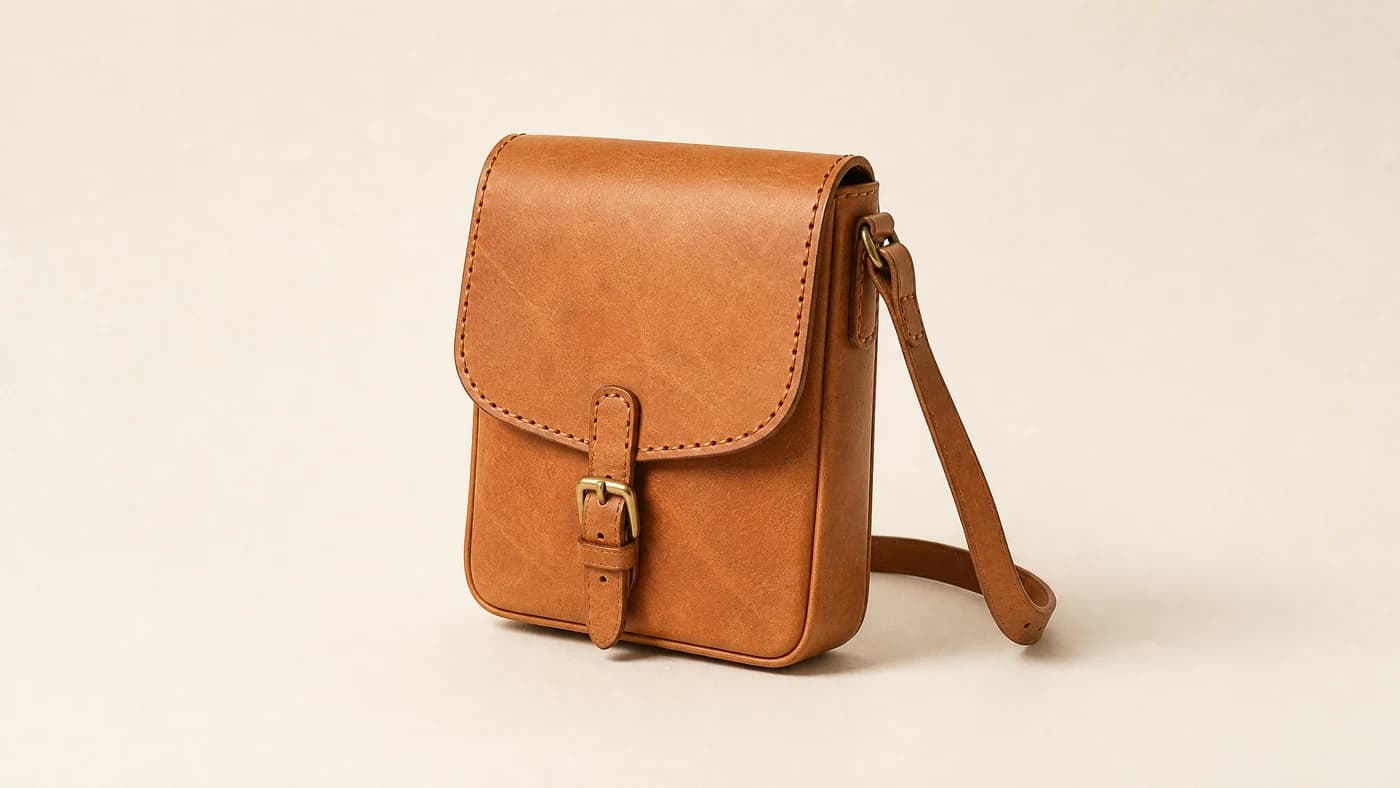
The seller's original still photograph of the same leather bag
Your photo

We move the camera. We don't touch the goods.

How it works

Three steps, and you see the whole camera move before you spend a video credit.

The expensive step is last on purpose. By the time you generate, the move is already decided and you have looked at it.

  1. 012 credits

    Upload the photo you already have

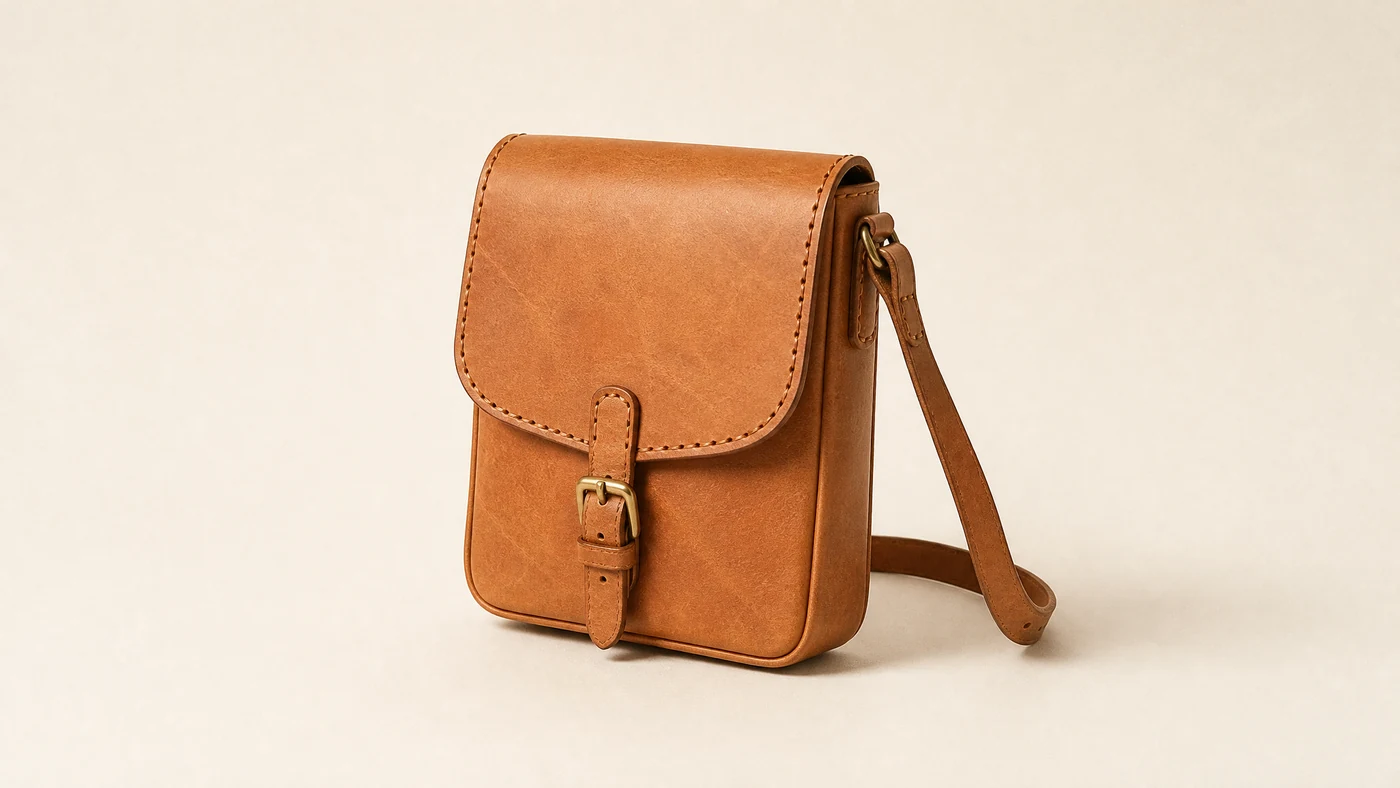
    One picture of one item. We read the subject edges, the material, the direction of the light and whether the backdrop is plain — so a camera move can be planned that will not break the shot.

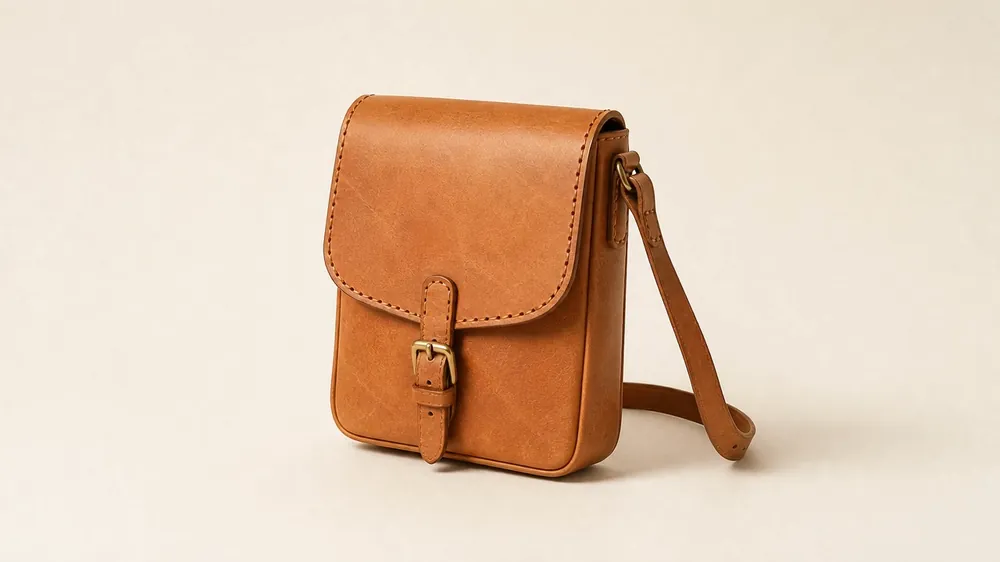
    A tan leather crossbody bag photographed on a plain paper backdrop
    Subject
    Single item, centred
    Material
    Leather, brass
    Light
    Upper left, soft
    Backdrop
    Plain
  2. 021 credit

    Say what the camera should do

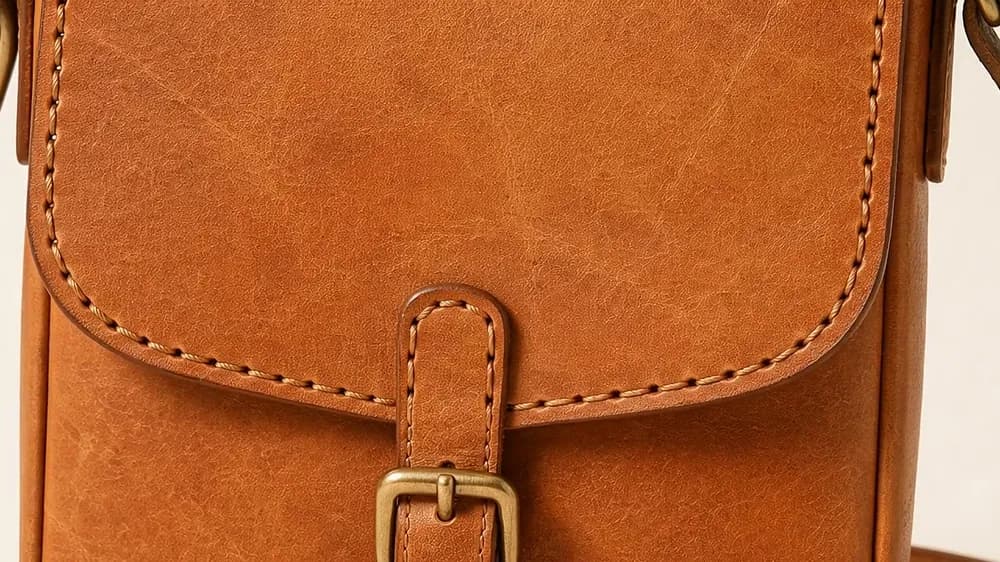
    In your own words. “Slow push in on the stitching, then pull back to show the whole bag.” We turn that into camera parameters — nothing else. Moves your photo cannot support are greyed out with the reason.

    Slow push in on the stitching, then pull back to show the whole bag.

    Camera parameters

    {
      "motion":      "push-in",
      "speed":       "slow",
      "focal_point": "flap stitching",
      "duration":    5.5,
      "loop_safe":   true
    }

    That is all it produces. It writes camera settings, never picture content.

  3. 035 credits per set

    Approve three frames, then generate

    First, middle and last frame come back as stills. Adjust them as many times as you like. All three have to be approved before a clip can be made — there is no way to skip past them.

    Preview frame 1 of the camera move00.0s
    Preview frame 2 of the camera move03.0s
    Preview frame 3 of the camera move05.9s

    All three approved — video generation unlocked

Clips

Every one of these was a still photograph. Point at one.

Nothing here was retouched, recoloured or rebuilt. Each clip is the same item as the still it replaces — only the camera moved.

Clips are silent by design. Product video is played muted almost everywhere it appears, and an unidentified music bed is the fastest way to get a listing muted or taken down.

Honest output

The clip has to describe the item you are actually posting.

A flattered photo is a returns problem and, in most places you sell, a misleading description. So the tool is built so it cannot flatter.

The original still photograph of the leather bag
Your photoAs uploaded
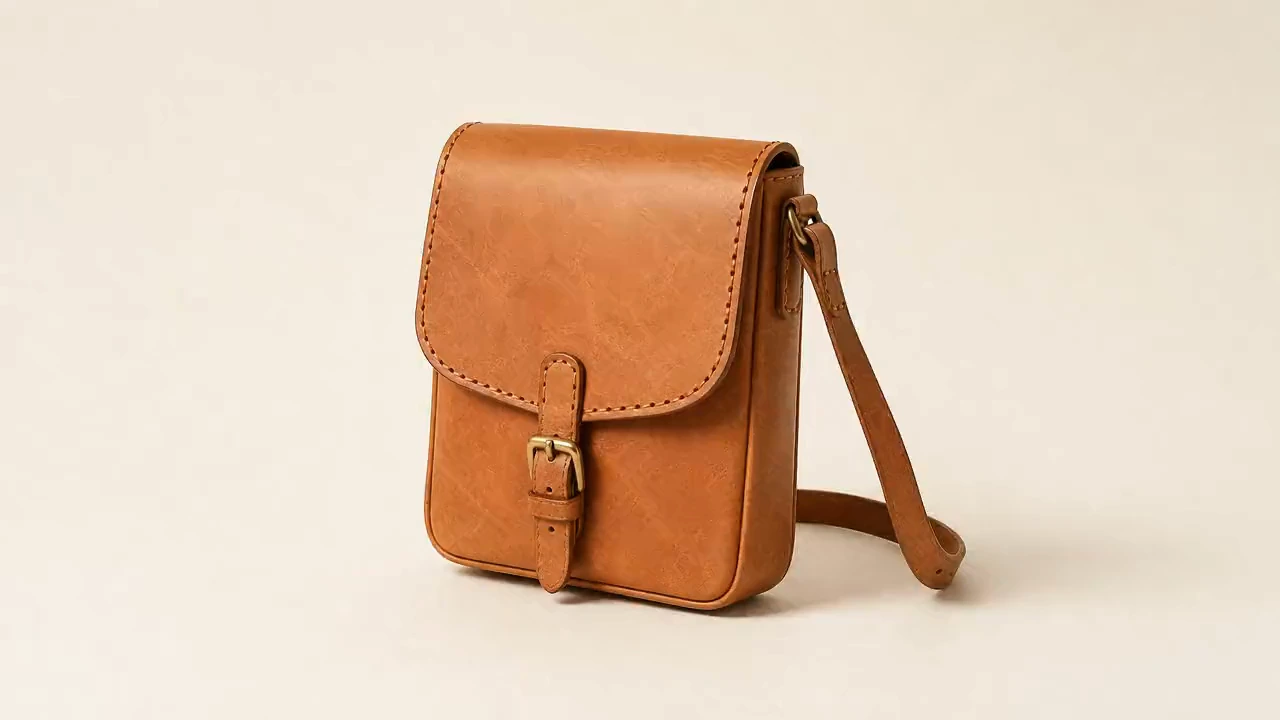
The first frame of the generated clip, showing the same bag
First frameAs generated

Before anything can be exported you have to look at these two pictures next to each other and say the clip is still your item. There is no way around this screen and no remembered answer — it appears for every clip.

Export stays locked until you confirm.

Colour sample check

CIEDE2000

Five points are read from inside the item on both pictures and compared as colour, not as pixels. Around 1.0 is the smallest difference an eye can catch side by side.

Measuring…

Things this tool will not do

  • Change colour
  • Change material
  • Change size or shape
  • Remove flaws
  • Remove marks or stains
  • Add decoration
  • Replace the background
  • Add parts that are not there
  • Smooth or beautify
  • Render any text

We move the camera. We don't touch the goods.

Words and numbers

The model never writes a price. You do, and your browser draws it.

Anything that has to be exactly right — an amount, a size, a date — is typed by a person and composited locally. It never passes through a generator.

Drawn locally · nothing typed here is sent anywhere

$

Shown in your shop currency. Stillmove itself bills in USD.

$

Only enter a price you genuinely charged for this item before. A struck-through figure that was never the real selling price is a misleading price indication and is unlawful in most places you will post this clip.

Material, dimensions, anything a buyer needs to read.

Every overlay stays editable character by character, and moves with the clip into all three aspect ratios.

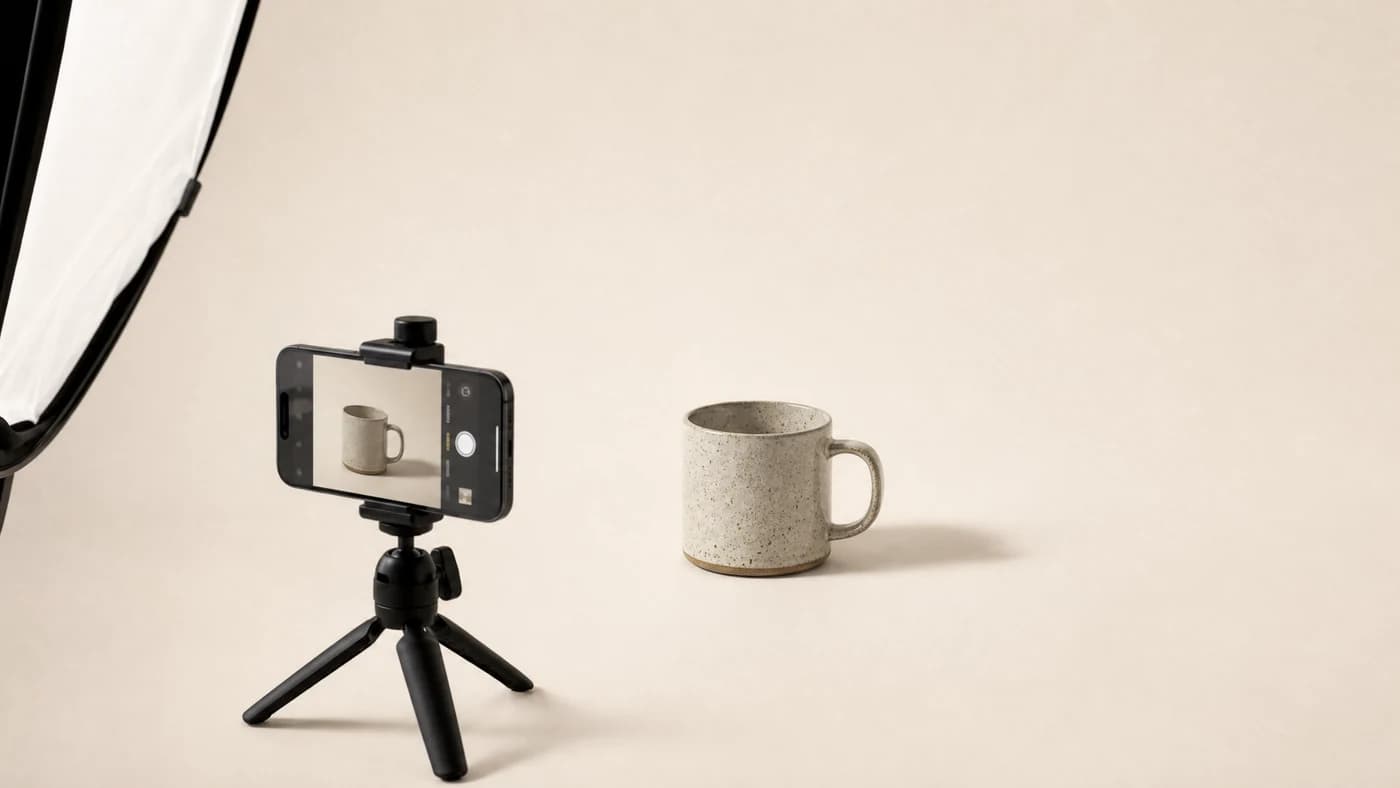
A phone on a small tripod set up in front of a ceramic mug on a paper backdrop

The setup you already own is the whole equipment list

Who it is for

You took a good photograph. That should be enough.

Getting one clean shot of a product is already most of a day when you are the person who makes the thing, packs the thing and posts the thing. Then the places that carry any traffic — the video slot on a listing, the reel, the short — turn out to take video and only video.

The usual answer is to learn a second craft. This is the other answer: the photograph you already have, with the camera moving across it.

What a run costs

Credits

  • Camera planning request

    Turns your sentence into camera parameters.

    1
  • Photo read

    Subject edges, material type, light direction, backdrop.

    2
  • Preview frames, generate or adjust

    First, middle and last frame together. Repeat as often as you need.

    5
  • Video generation

    One clip, exported in three aspect ratios.

    50

Free gives you 50 credits a month — a photo read, the camera planning and roughly nine rounds of preview frames. Generating the clip is 50 and sits on the paid plans.

Plans

Free until the frames convince you. Then one clip is 50 credits.

Three plans, nothing else to buy. No credit packs, no stored balance, no add-ons.

All amounts in US dollars (USD). Taxes may be added at checkout.

Free

50 credits / month
$0USD · always

No card required. Nothing renews.

Read a photo, plan the camera move, and adjust the three preview frames as often as you like.

  • Subject and material read
  • Camera planning in plain English
  • Unlimited preview-frame adjustment within your credits
  • Colour-sample check on every export
  • Video generation is not included on Free
Start free

Free forever, no card

Move

500 credits / month
$14USD / month

Renews every month until cancelled.

For one shop. Turn approved frames into finished clips and export them everywhere you post.

  • Everything in Free
  • Video generation, 3–8 seconds
  • 9:16, 1:1 and 16:9 exported together
  • Loop-safe processing with a loop preview
  • No watermark
  • Price and spec overlays composed in your browser
Choose Move

Cancel any time from Billing

Shelf

2,200 credits / month
$45USD / month

Renews every month until cancelled.

For a full shelf. Batch a season's worth of listings and keep separate shop profiles.

  • Everything in Move
  • Batch upload
  • Priority queue
  • Multiple shop profiles
  • Saved camera presets per shop
Choose Shelf

Cancel any time from Billing

Paid plans renew automatically at the price and interval shown above until you cancel. You can cancel at any time in two clicks from your Billing page and keep access until the end of the period you have already paid for. Credits are a monthly service allowance, not money: they do not carry over, cannot be bought separately, cannot be exchanged for cash and cannot be transferred.

Full pricing, credit costs and billing terms

Questions

The things worth asking before you upload.

If the answer you need is not here, write to us. A person reads every message.

support@rhyldealretail.com
  • No, and the tool is built so it cannot. The model is only ever given camera instructions — push in, pull back, orbit, pan, sweep the light. It is never asked to change colour, change material, change size or shape, remove a flaw, remove a mark, add decoration or replace the background, and there is no setting anywhere in the product that turns those on. Two checks then run before anything leaves the tool. First, your original photograph and the first frame of the clip are shown side by side and you have to confirm the clip is still your item; that screen appears for every clip and cannot be skipped or remembered. Second, five points inside the item are sampled from both pictures, converted to CIELAB and compared with CIEDE2000. A difference above 2.0 is flagged for you to review, and a difference above 3.0 blocks the export outright. If you can see a difference we did not catch, send us the clip and the original at support@rhyldealretail.com and we will investigate it.

Full detail is in the Terms of Service, Refund and Cancellation Policy, Privacy Policy and AI Disclaimer.

We move the camera. We don't touch the goods.

Bring one photograph. See the first, middle and last frame of the move before you spend anything on a clip.

Start free with 50 creditsSee the plans

No card to start. Paid plans are billed in US dollars, renew automatically and can be cancelled in two clicks at any time.